How to make your first bead pattern in 10 minutes
From wish to printable PDF in 10 minutes. Step-by-step guide to making your first bead pattern with Perleland — no technical background needed.
From "I want to make something" to a finished pattern — 10 minutes
If you've never made a digital bead pattern before, it might sound technical. It isn't. Here's the whole process — from opening Perleland.dk to a printable PDF in hand — cut down to the few steps you actually need to go through.
What you need
- A computer or phone with internet
- An image — from your camera, a photo, a drawing, or something you find online
- A free Perleland account (sign-up takes 30 seconds)
Step 1: Pick your image (1 minute)
The most important thing is the image itself. Images with clear colors and distinct shapes work best. A drawing of a cat on a white background turns out better than a grainy photo of a house in the dark.
Top tip: the motif should fill most of the image. Crop unnecessary background out beforehand if you can.
Step 2: Upload to Perleland (1 minute)
Go to Perleland.dk and log in (free account). Drag your image into the upload box — or click and find the file. You can use JPG, PNG, WEBP or HEIC (from iPhone) up to 25 MB.
Step 3: Pick size (1 minute)
The first number to pick is width × height in beads. If you're unsure, start with 29×29 — that's a full pegboard, and it takes 1-2 hours to make physically.
Bigger numbers = more detail, but also longer work time and more beads to buy.
Step 4: Pick your colors (2 minutes)
Here's the smart part: you can tell the tool which colors you actually have at home. Click "Advanced" and select the Hama colors in your bead box.
The result is a pattern you can actually build — without having to run to the hobby store for a color you don't have.
Step 5: Generate the pattern (1 minute)
Hit the big "Make Pattern" button. The tool converts your image into a bead pattern in seconds. You'll see a preview of what it'll look like before downloading.
Step 6: Download PDF (1 minute)
Hit "Download PDF." The file contains:
- An overview image of the finished pattern
- Detailed boards with Hama color codes in each cell
- A color list with the count of beads in each color
Step 7: Print or work from screen (1 minute)
Print the PDF if you want to work from paper — or open it on a tablet if you want to save ink. Both work fine. You're now ready to build!
That's it
The whole process — from upload to printable PDF — takes 8-10 minutes the first time you do it. Second time it takes 3-4. Next time you barely need to think about it.
Ready to try? Open Perleland.dk and upload your first image.
Patterns to practice on
Prefer to start from a ready-made pattern? Try one of these:
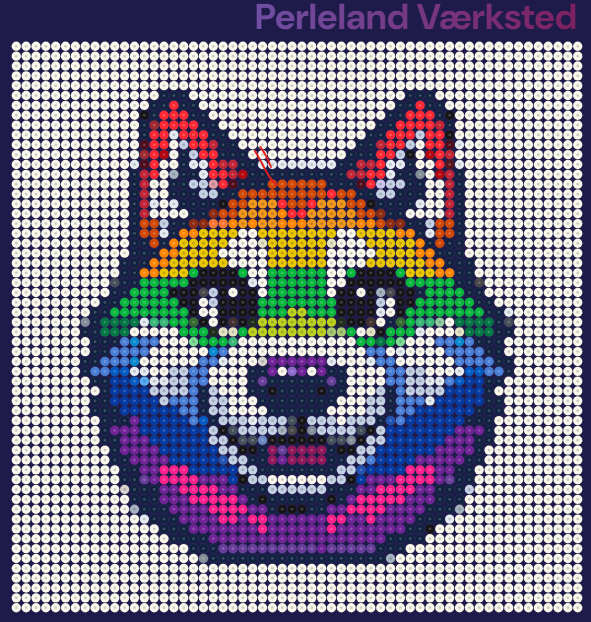 Regnbuehusky
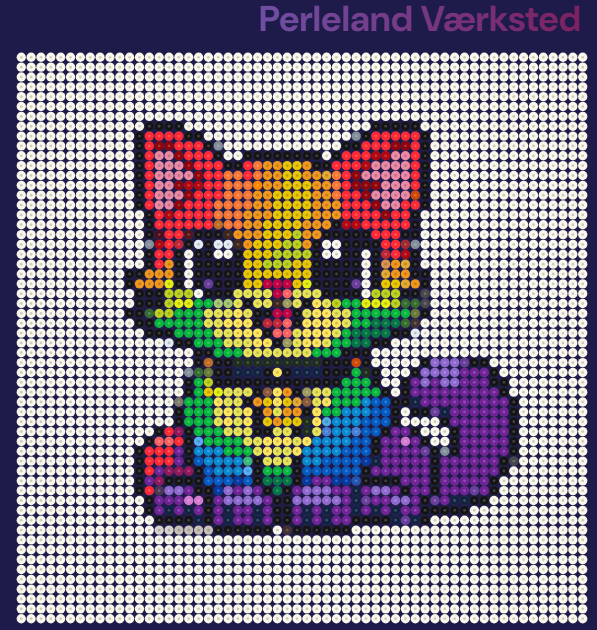 Regnbuekat
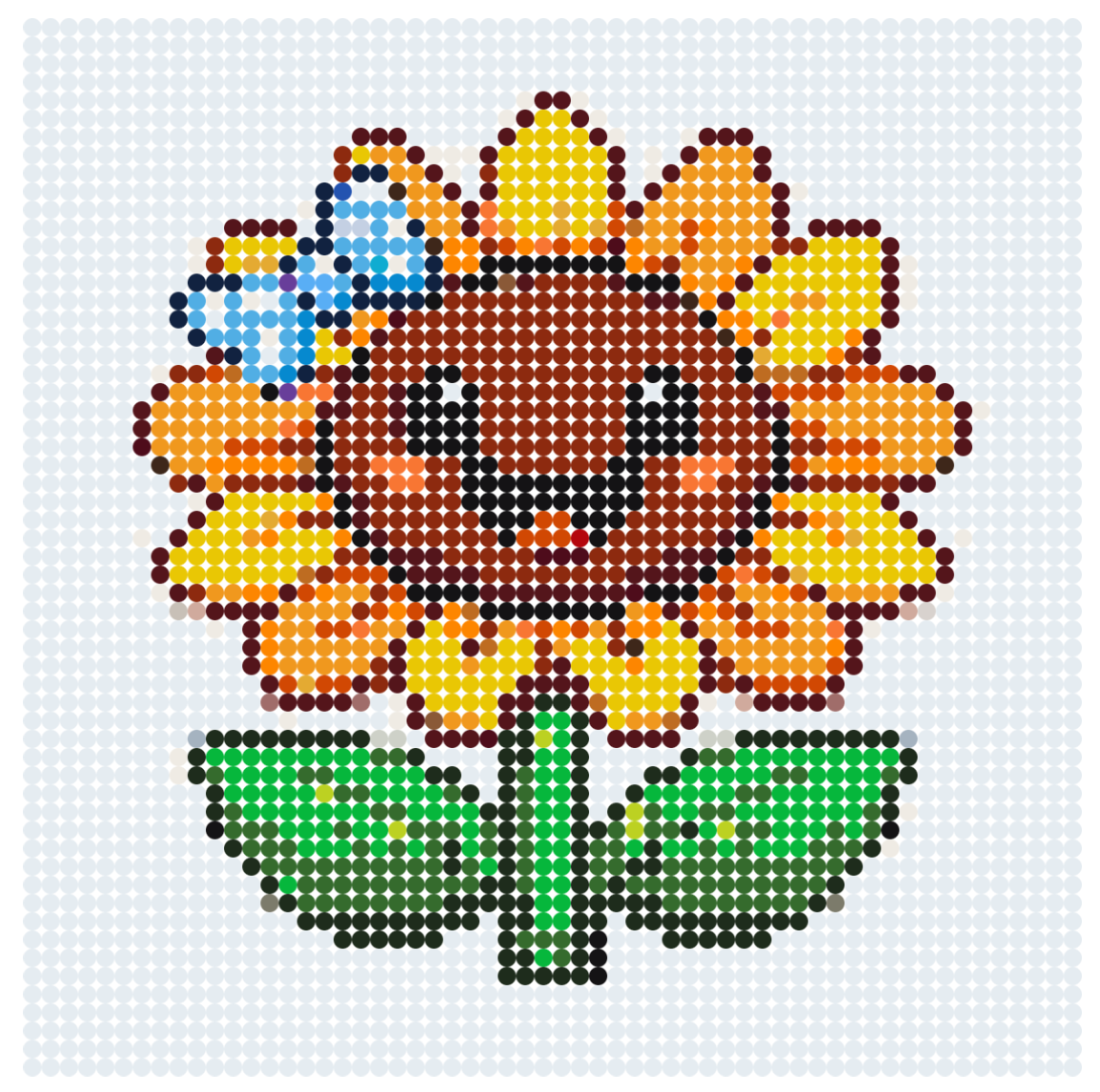 Glad solsikke med smil
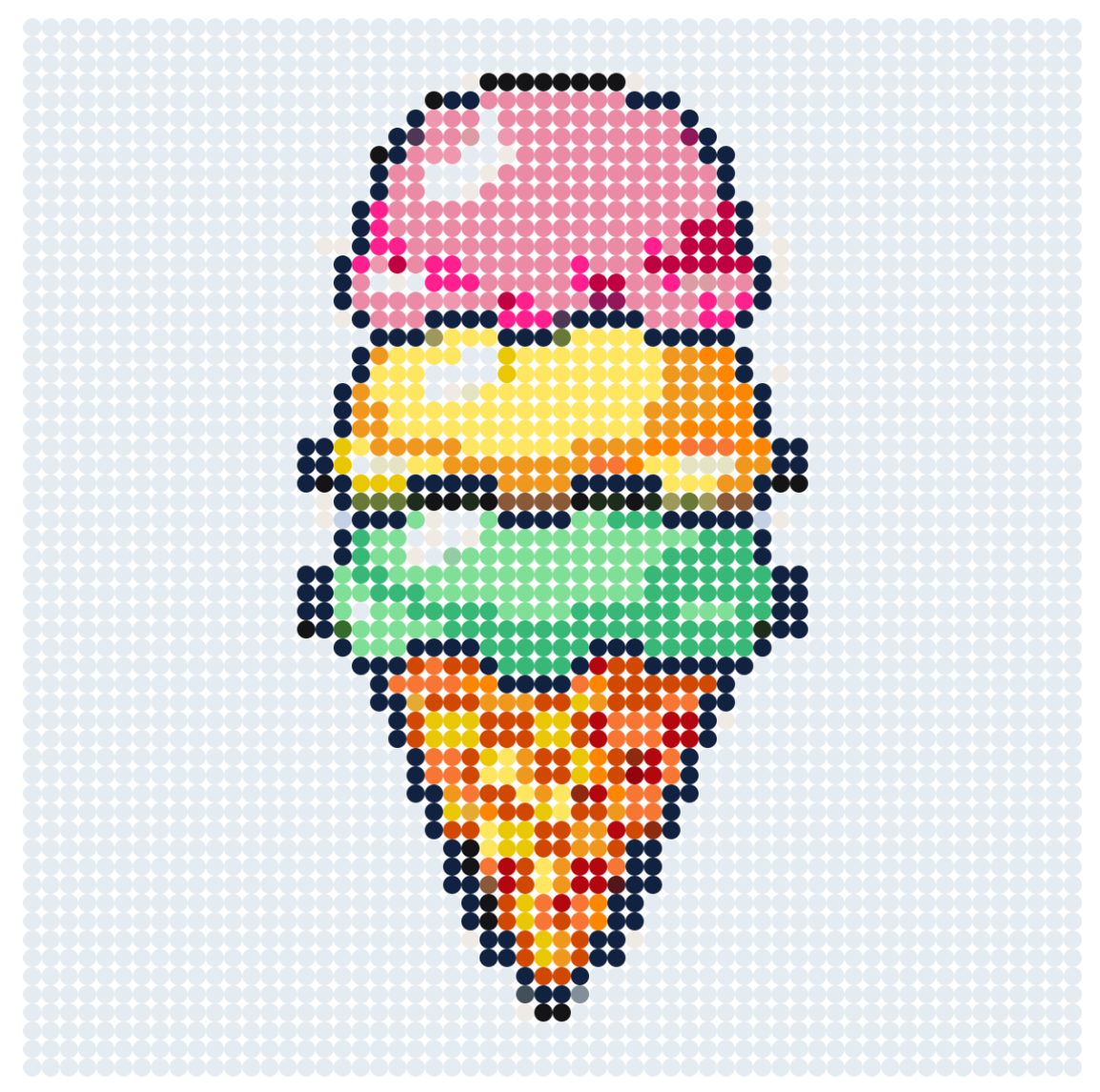 Isvaffel med tre kugler